 Torvi
TorviTorvi Compliance
Keep the registers in one place, rate yourself against the standards, and hand over a pack that shows the record behind every answer.
For the person who gets the call when the regulator visits.
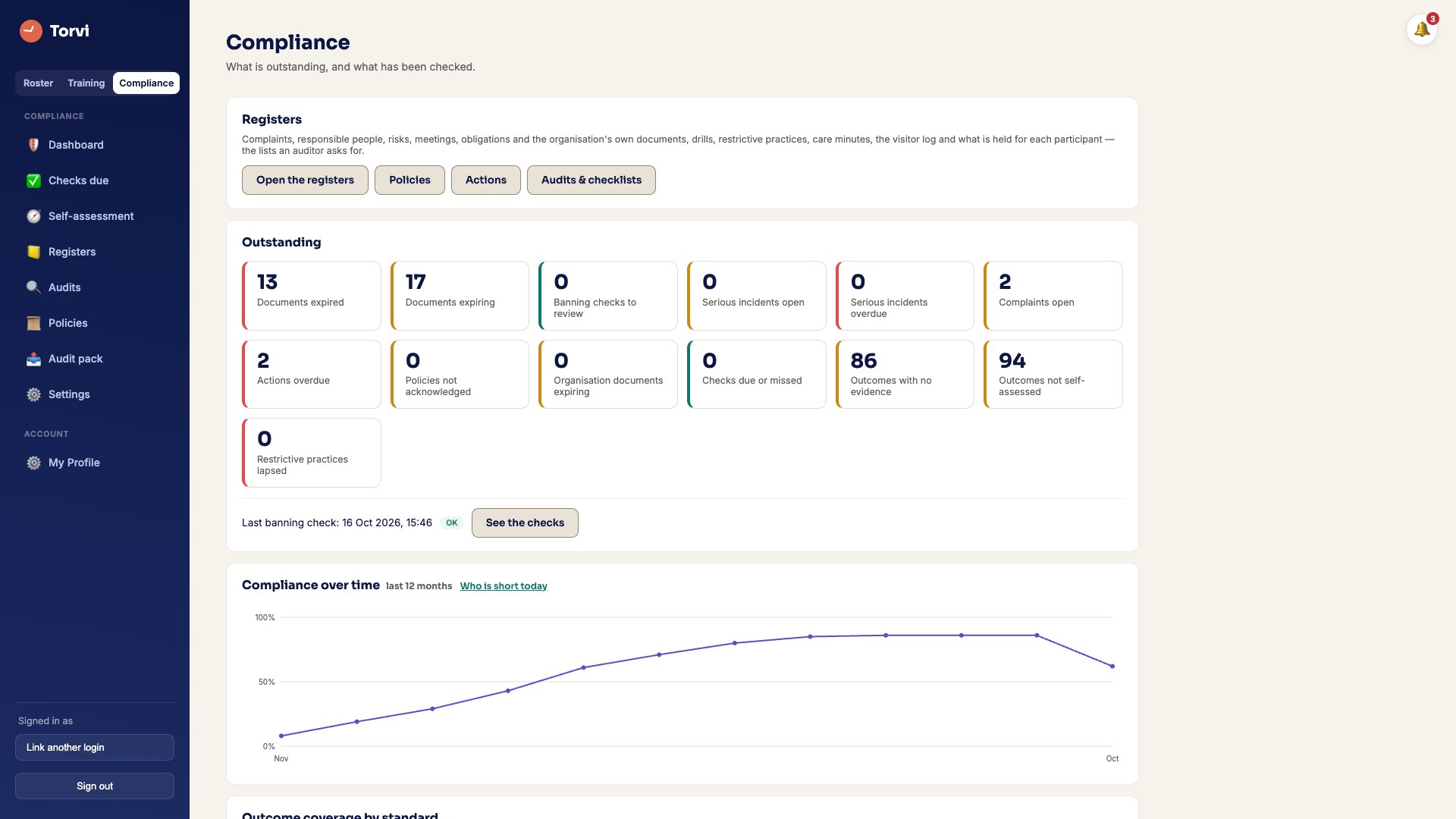 Screenshot · screen-compliance-dashboard.jpg
What it does
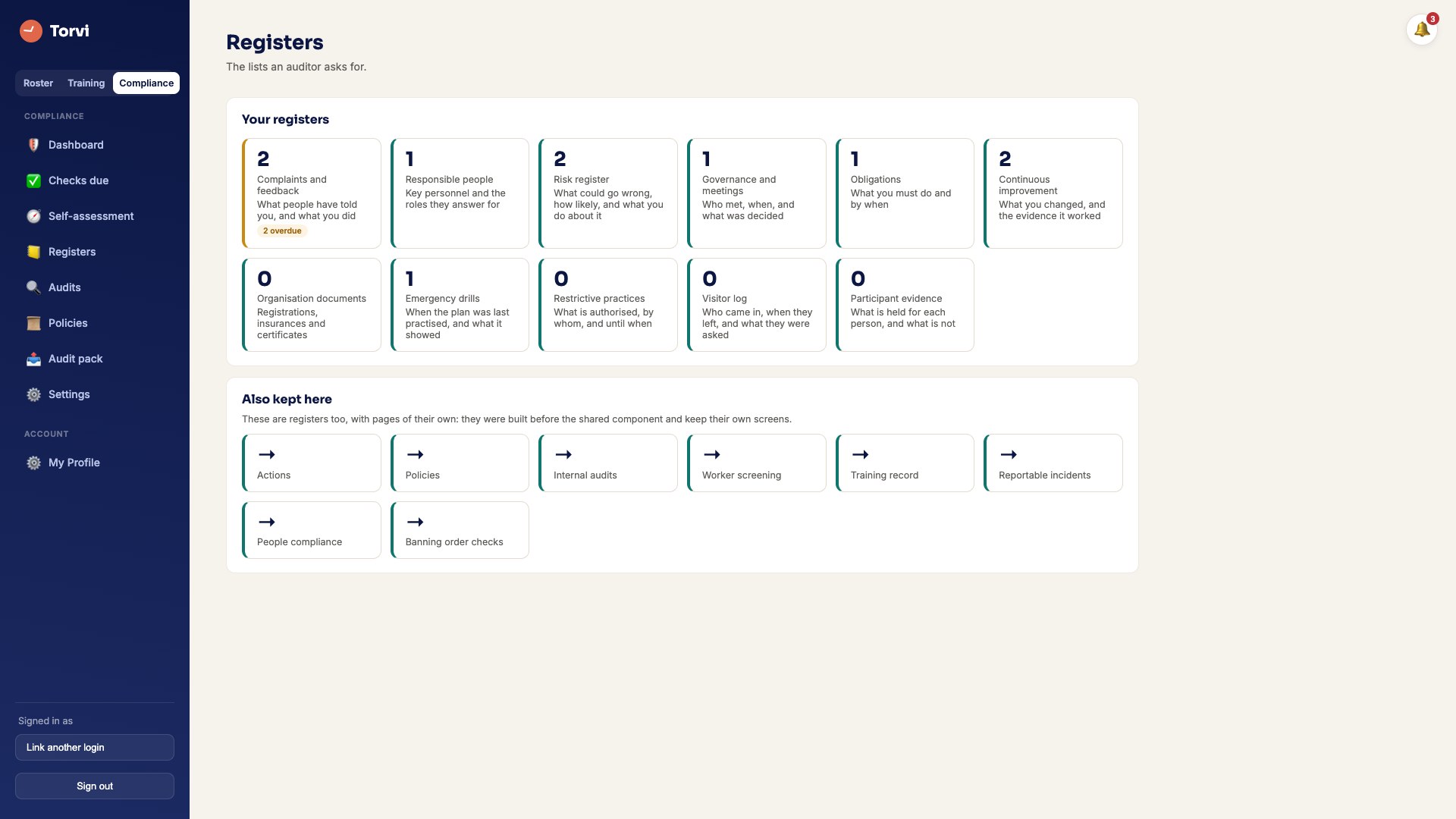
- Twelve registers, in one placeComplaints and feedback, responsible people, risks, governance and meetings, obligations, continuous improvement, organisation documents, emergency drills, restrictive practices, care minutes, the visitor log and participant evidence. Every one of them exports as a spreadsheet.
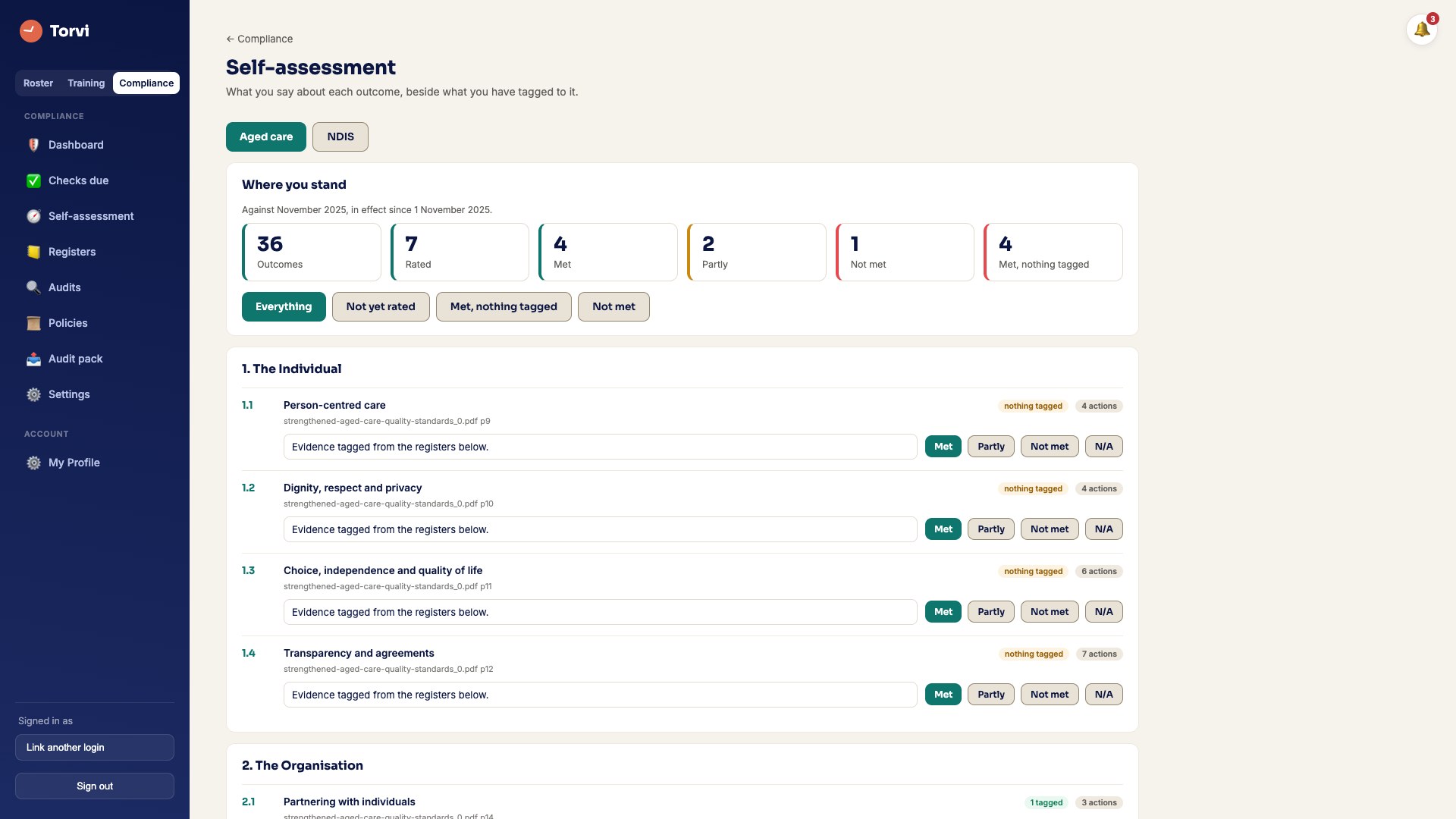
- Self-assessment against the real standardsThe strengthened Aged Care Quality Standards and the NDIS Practice Standards, outcome by outcome, with the evidence you tagged against each one — and only the frameworks you actually answer to.
- What is due, and what has slippedChecks due this month, internal audits and checklists you run and record, and actions with the evidence of closing them: closing one costs an explanation, and the database insists on it rather than the form.
- Policies people have actually readPublish a version and see who has acknowledged THAT version — not the one before the change.
- Banning-order checks you can show somebodyEvery sweep against the ACQSC Register of Banning Orders and the NDIS Commission’s enforcement actions: which register, when the file was downloaded, that file’s own sha-256, how many rows it held, who was checked and what came back. A download that failed is recorded as a failure and never as a clear result, and a possible match is put in front of a person rather than acted on by a name match.
- A pack, grouped by standardEvery register as a spreadsheet, and a PDF that cites the record behind each claim with a digest of its own evidence printed on every page, so two packs can be told apart. What you hand over is the evidence, not a score: no software can pass an audit for you, and this one does not say it can.
- It fills itself from what you already runThe visitor log IS the Kiosk’s register rather than a copy of it, the training register reads Torvi LMS directly, care minutes are counted from approved timesheets, and staff documents come from the roster. Nothing is typed twice.
- On its own, if you likeAn organisation can run Torvi Compliance and nothing else — the menu is the registers, with no empty roster behind it.
 Screenshot · screen-compliance-registers.jpg
 Screenshot · screen-compliance-self-assessment.jpg
How it works
- Say which frameworks you answer to. Only those standards appear.
- Fill the registers, or let the ones that read your roster, kiosk and LMS fill themselves.
- Rate each outcome and tag the record that backs it up.
- Generate the pack when somebody asks for it.
Care minutes are counted clock to clock from approved timesheets, which reads high — breaks and time that is not direct care are inside it. Your own Quarterly Financial Report is the figure of record, and the page says so where the number is.
See Torvi Compliance against your own standards
Set your organisation up in minutes. Cancel any time before the trial ends.
Start free trial What it costs