 Torvi
TorviTorvi Library
Short courses that are already written, so the training nobody has time to build is done by Friday.
For the manager who has been meaning to write the manual handling course since March.
 Screenshot · screen-training-my-phone.jpg
What is in it
- Aged careThe everyday things a residential or community team has to be able to show they have covered.
- NDIS and disability supportWritten for support workers rather than adapted from something else.
- Home care and support at homeFor people who work on their own in somebody else’s house.
- Food safetyHandling, storage and the parts of a kitchen an auditor asks about.
- Infection controlThe basics, kept short enough that people actually finish them.
- Work health and safetyManual handling, hazards, incidents and what to do about them.
- Workplace skillsThe non-clinical half: communication, boundaries, record keeping, difficult conversations.
How the courses are made
- Our own videos and diagramsMade for these courses rather than licensed stock, so what a learner watches is about the work they actually do.
- A quiz at the endMarked by Torvi, with the pass mark and the number of attempts set by you.
- A certificate that can be checkedFinishing produces a certificate with a code on it, and whoever is handed that code can check it on a public page without a Torvi login.
- Yours to changeA course you add becomes a copy in your own account. You can keep it as it is, or edit it to match how your organisation does things.
And the free ones somebody else runs
Some of the training your team needs is already free and run by somebody else — the NDIS Commission’s modules, and the food safety courses some councils and state health departments put out. Torvi does not reprint those. It records them: the course sits in your list as an external course, the person does it wherever it lives, uploads the certificate they are given, and a manager approves it. It then expires and comes back round like any other.
So one report answers “has everybody done their training”, whether the course was ours, yours, or somebody else’s.
How it works
- Find a course in the Library and add it to your account.
- Edit it if you want to, or leave it exactly as it is.
- Assign it, with a due date and a refresher period.
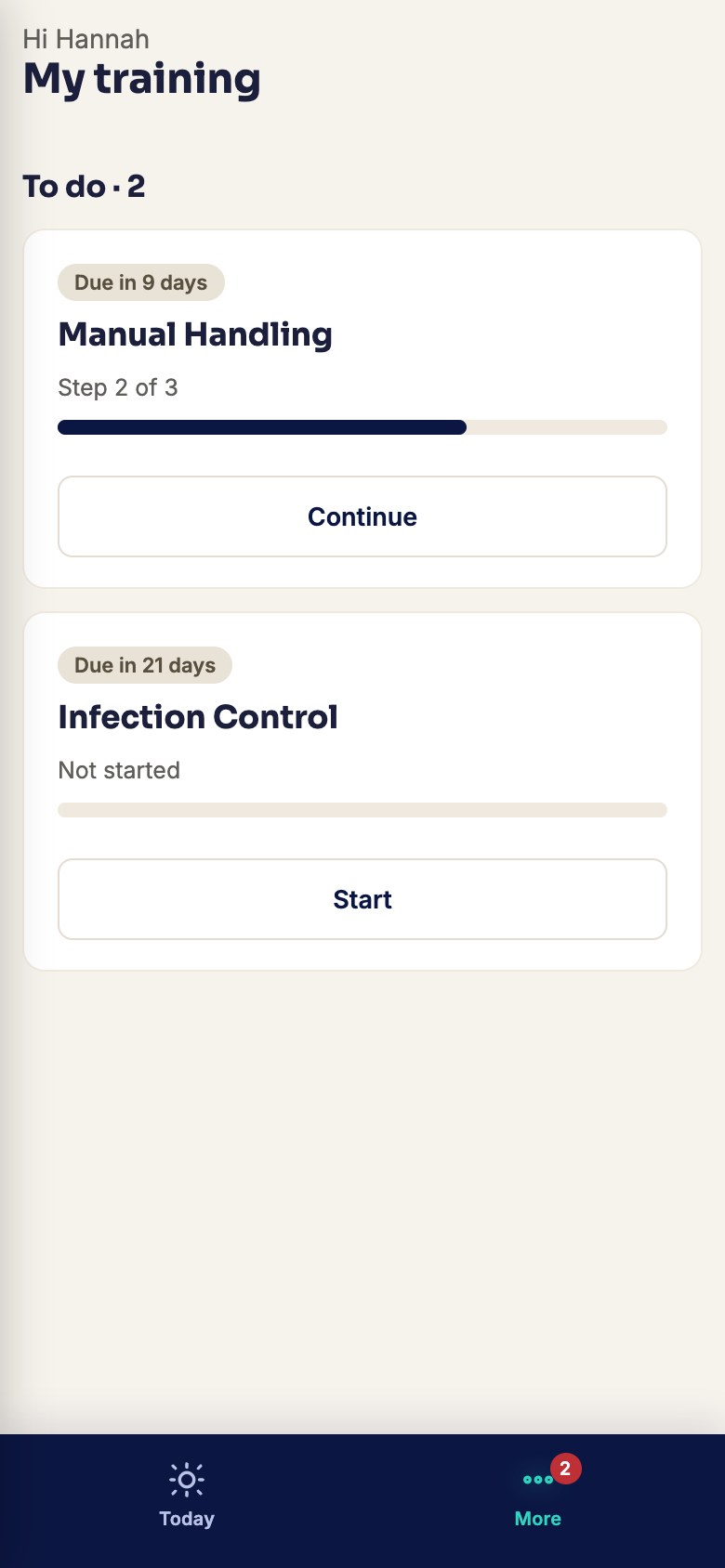
- They do it on their phone. You watch the report.
Most Library courses are bought per learner. A few, such as the NDIS Commission’s worker modules, are free. Online buying opens soon — talk to us.
Have a look at the LMS first
The Library is courses for it. The builder, the quizzes, the certificates and the reports are all part of Torvi LMS.
How Torvi LMS works What it costsNon-accredited training. Not a nationally recognised qualification.
These courses cover the everyday competencies an employer has to be able to evidence. They are not units of competency from a training package and Torvi is not a registered training organisation — where a role needs an accredited qualification, that still comes from an RTO.