 Torvi
TorviRostering and scheduling
Build the week across your sites, publish it, and deal with what changes — which is most of the job.
For the person who builds the roster and gets the call when somebody cannot make it.
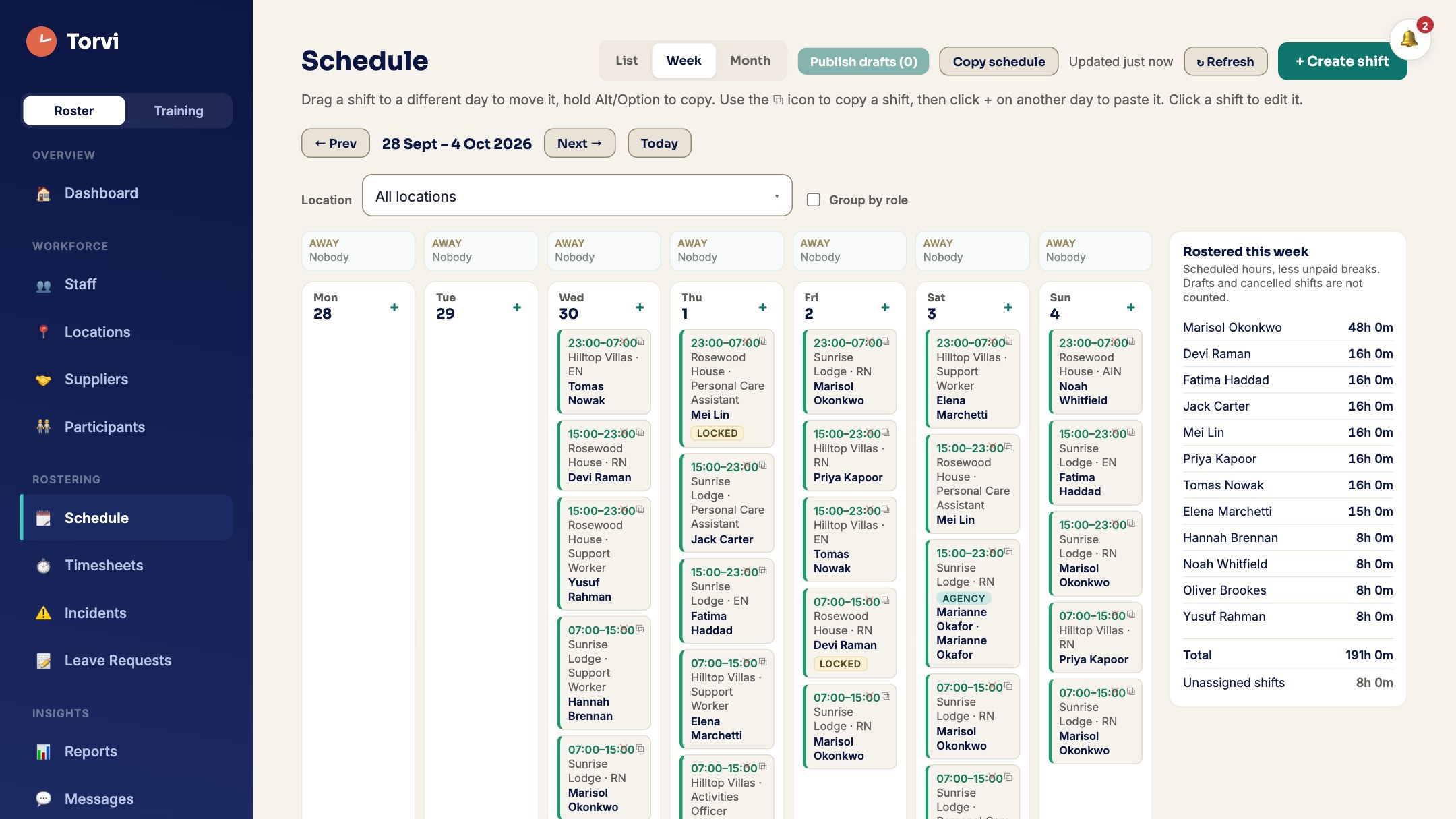 Screenshot · screen-schedule.jpg
What it does
- Build a week and publish itShifts by site and occupation, copied from last week when that is the quickest way, and published when it is ready rather than as you type.
- Open shifts your staff can claimLeave a shift open and the people who could work it can take it themselves, instead of a round of phone calls.
- "I can't do it"Somebody asks to be released from a shift, whoever can act on it is told, and the decision goes back to the one person who asked.
- A warning before it mattersRostering somebody whose check has lapsed warns the person building the roster, at the point where it can still be changed.
- Care, where it appliesA visit can name the participant rather than a place, and the people who need the care plan can reach it.
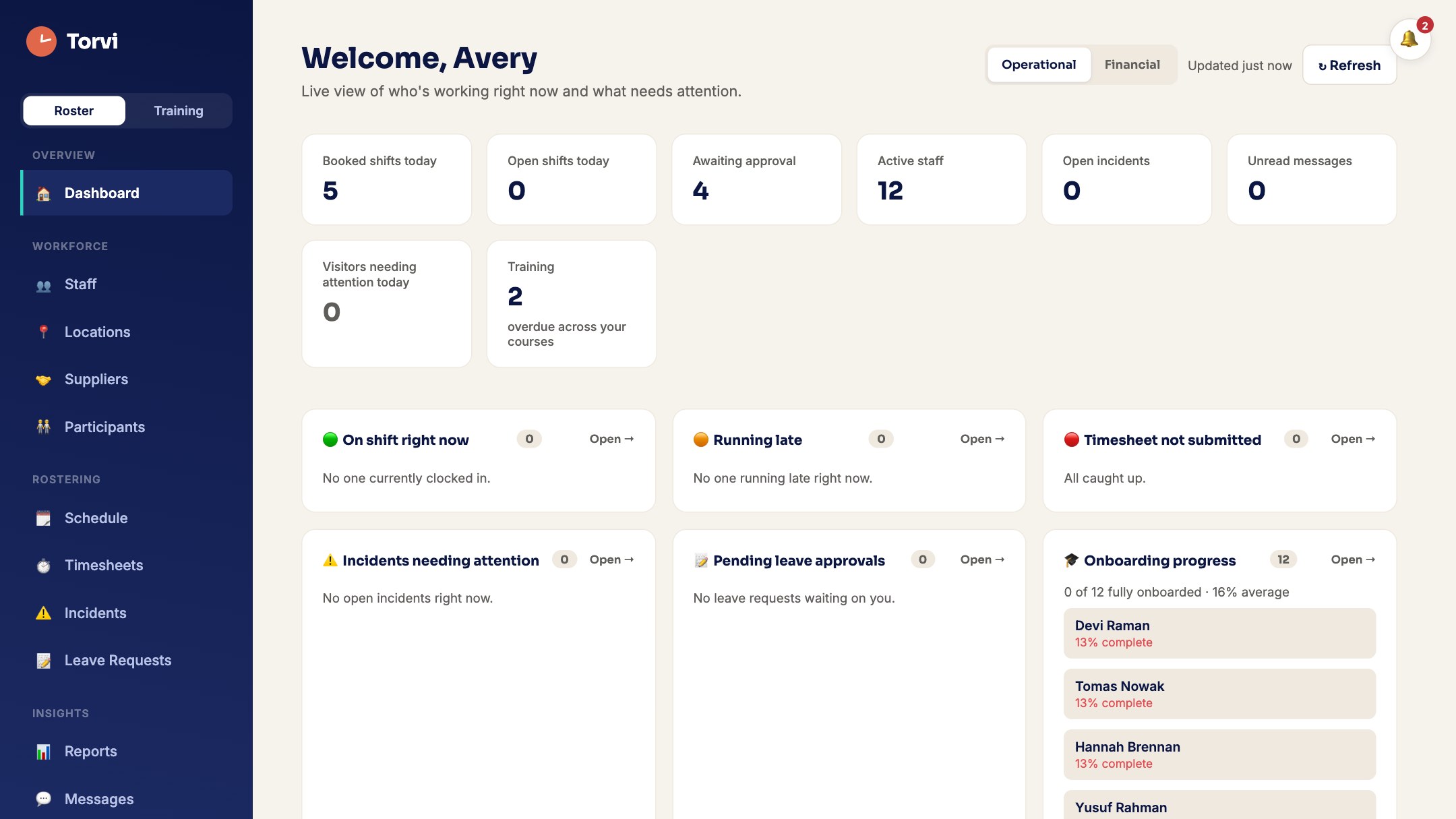 Screenshot · hero-app.jpg
How it works
- Add your sites and the people who work at them.
- Build the week — or copy the last one and change what moved.
- Publish. Everybody sees their own shifts on their phone, and open shifts can be claimed.
- What you could not fill goes to an agency or a contractor, from the same screen.
Try it with your own roster
Set your organisation up in minutes. Cancel any time before the trial ends.
Start free trial What it costs