 Torvi
TorviThe staff app
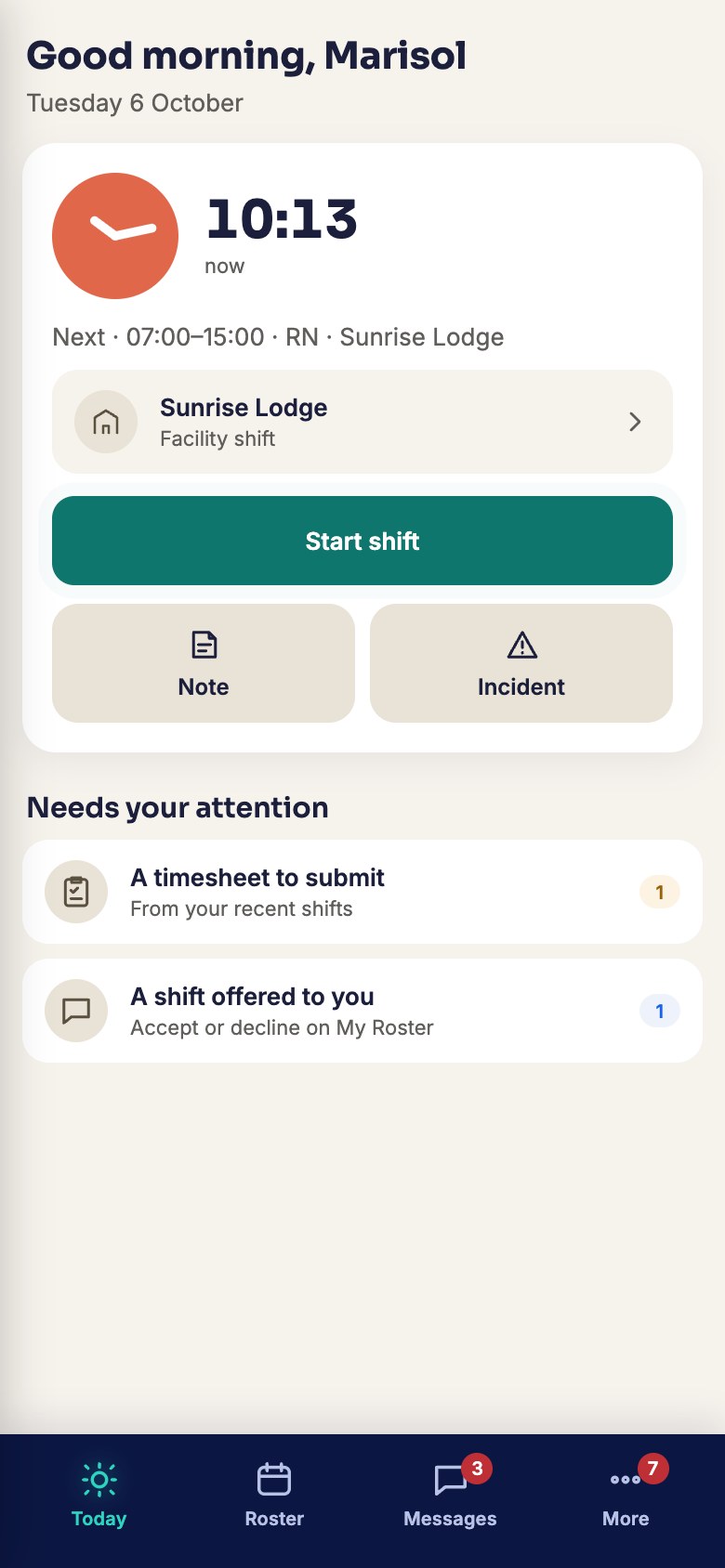
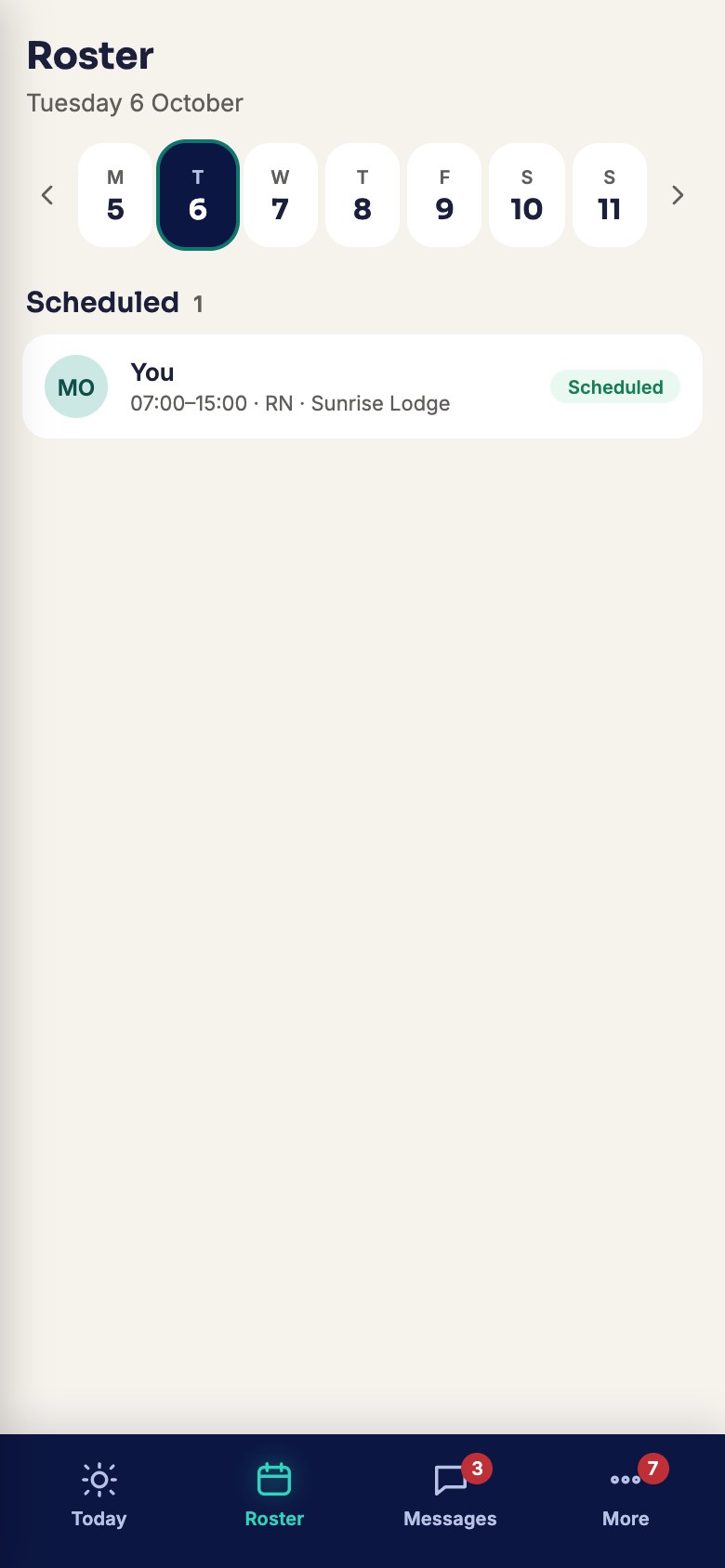
The part of Torvi most people actually use: their own roster, on their own phone.
For the people doing the shifts.


 Screenshot · screen-app-today-phone.jpg
What it does
- Your day, firstWhat you are working, where it is, and what time it starts.
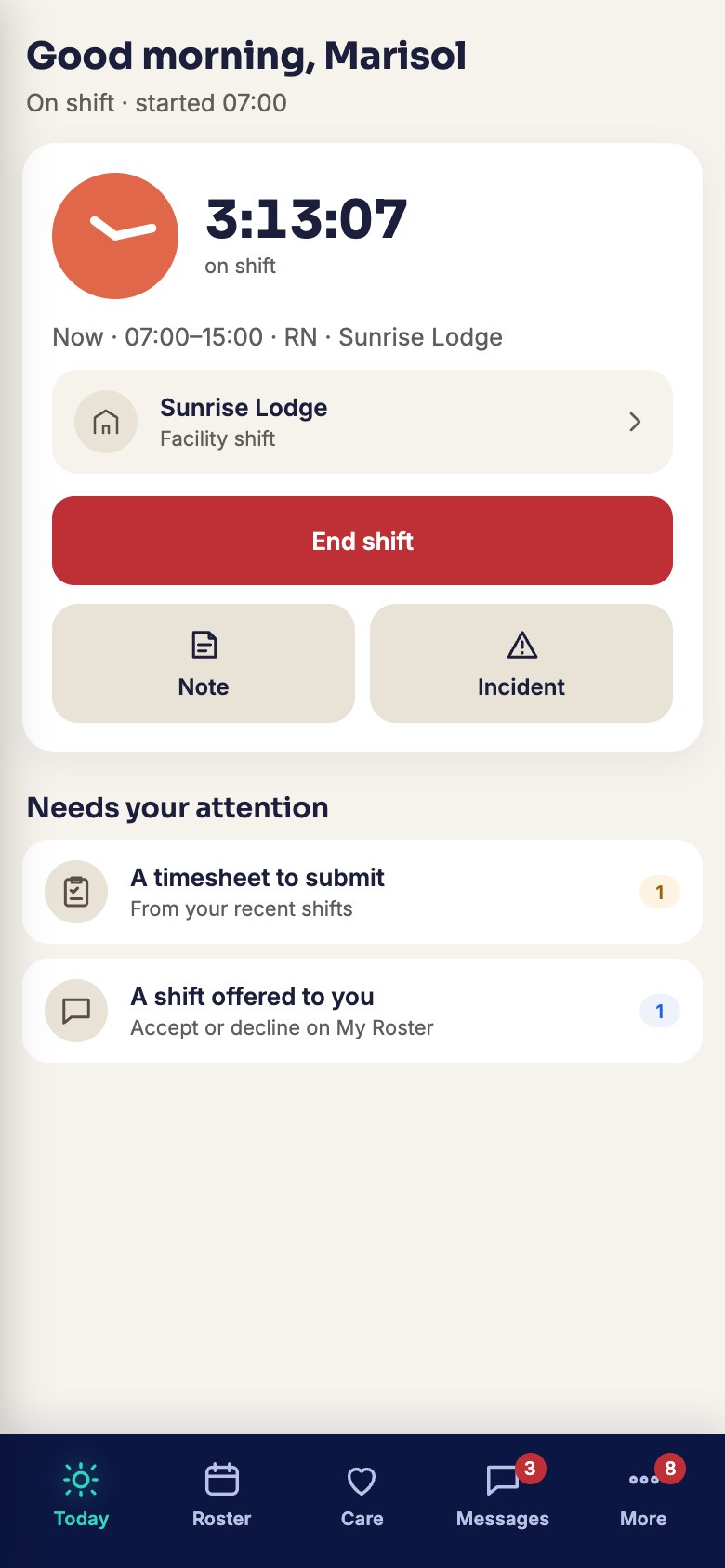
- Clock in where the work isChecked against the site’s location, so the hours on the timesheet are the hours that were worked.
- Claim an open shiftShifts nobody has taken, offered to the people who could work them.
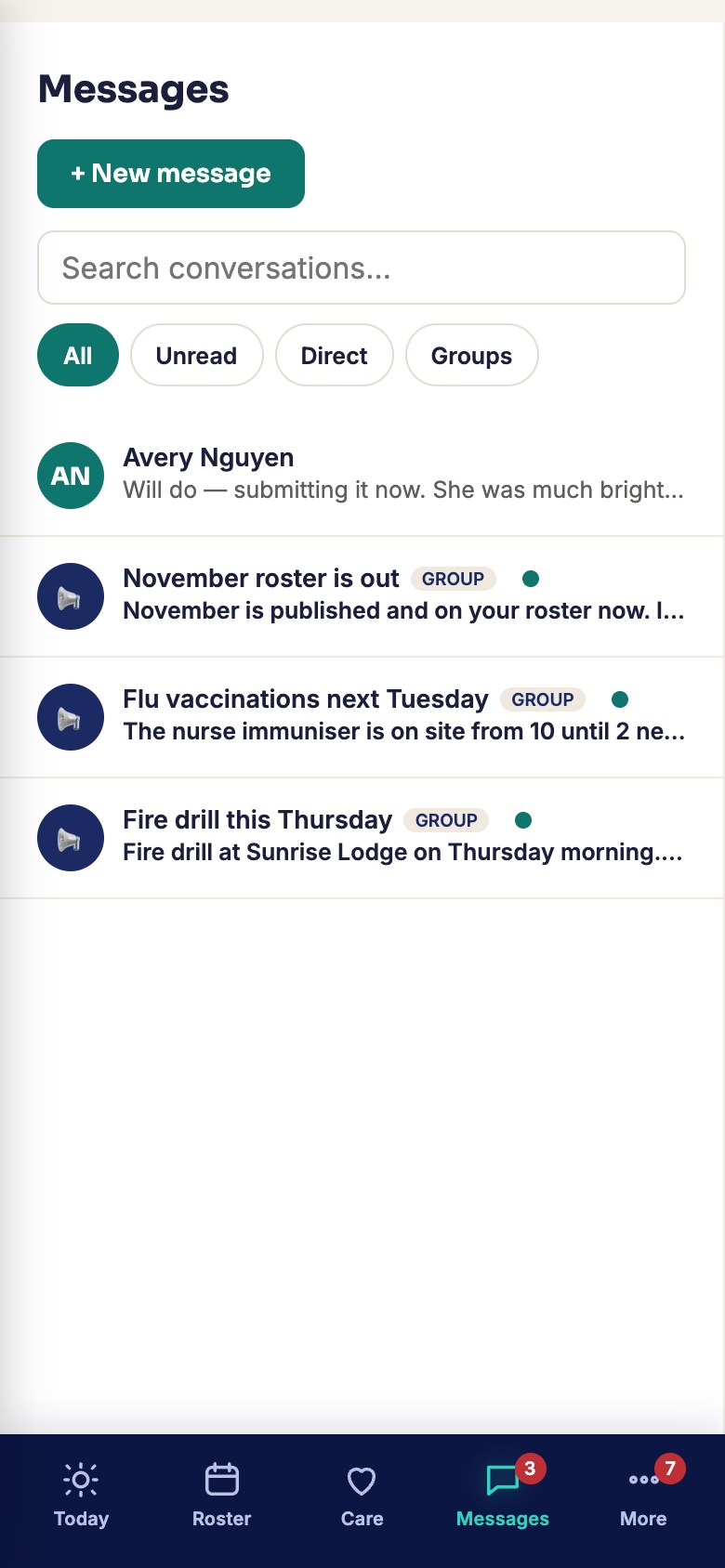
- Leave, messages and trainingAsk for leave, read what your organisation sent you, and do your training between other things.
 Screenshot · screen-app-roster-phone.jpg
 Screenshot · screen-app-clocked-on-phone.jpg
 Screenshot · screen-app-messages-phone.jpg
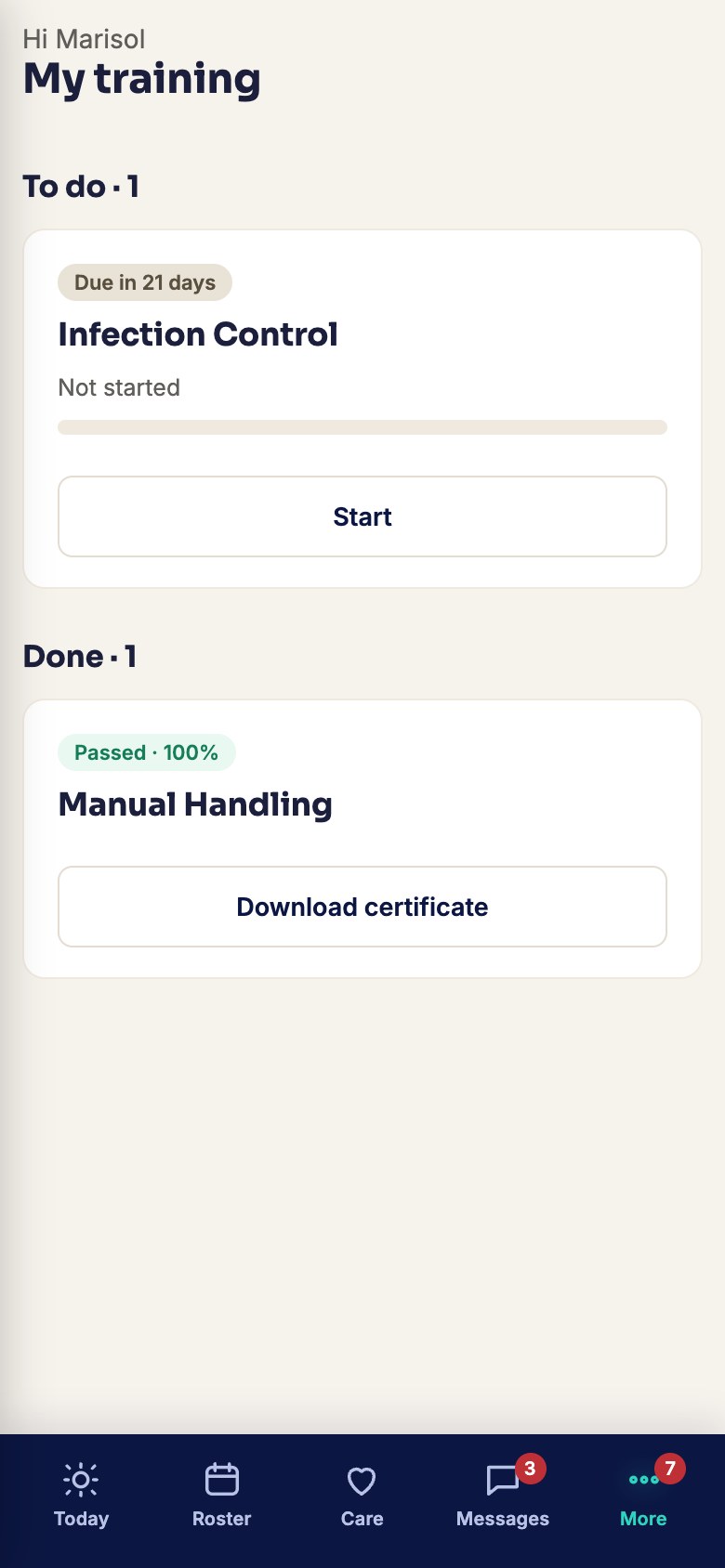 Screenshot · screen-app-training-phone.jpg
How it works
- Your organisation invites you; you set a password from the link.
- Install it from the App Store or Google Play, or just open it in your phone’s browser — the same Torvi either way.
- Your roster is on the first screen.
Try it on your own phone
Set your organisation up in minutes. Cancel any time before the trial ends.
Start free trial What it costs