Training (Torvi LMS)
Build or add courses, assign them, and see who has finished.
Last updated 3 November 2026
Create a course
- Open Courses and choose New course. Say whether it is done in Torvi or somewhere else (they upload a certificate).
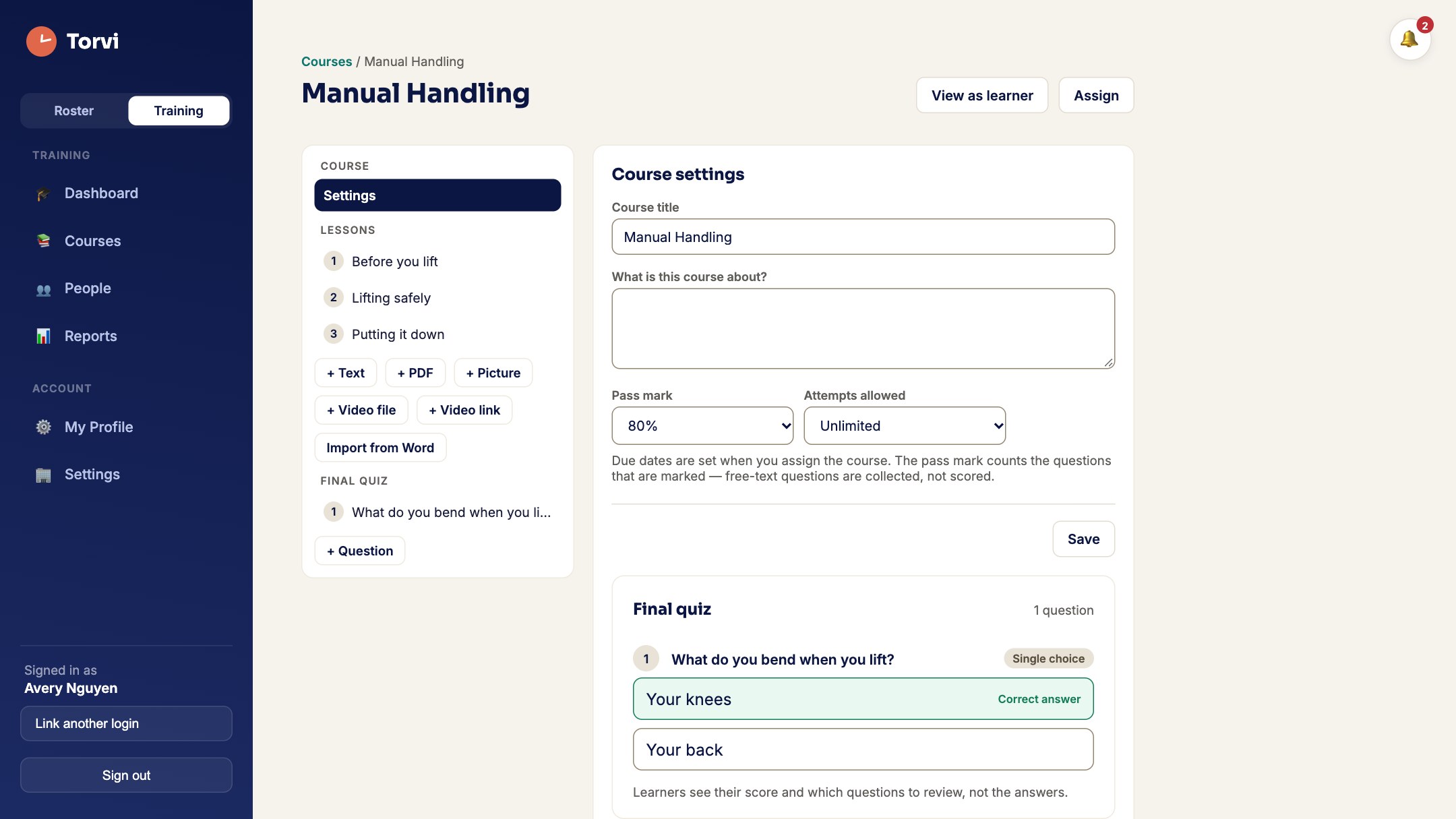
- Build it from lessons — + Text, + PDF, + Video link, + Recording and more — and quiz questions with + Question.
- Press Publish when it is ready.
Audio
- Add a spoken lesson with + Recording (MP3, M4A, WAV or OGG) and type its words into the Transcript so everyone can read along.
The Torvi Library
- Open Torvi Library, Preview a course and choose Add to my courses. When a new version comes out you can Take the update.
Assign a course
- Choose the course, an optional due date, tick people and press Assign course. Everyone gets an email with a link.
Doing a course (staff)
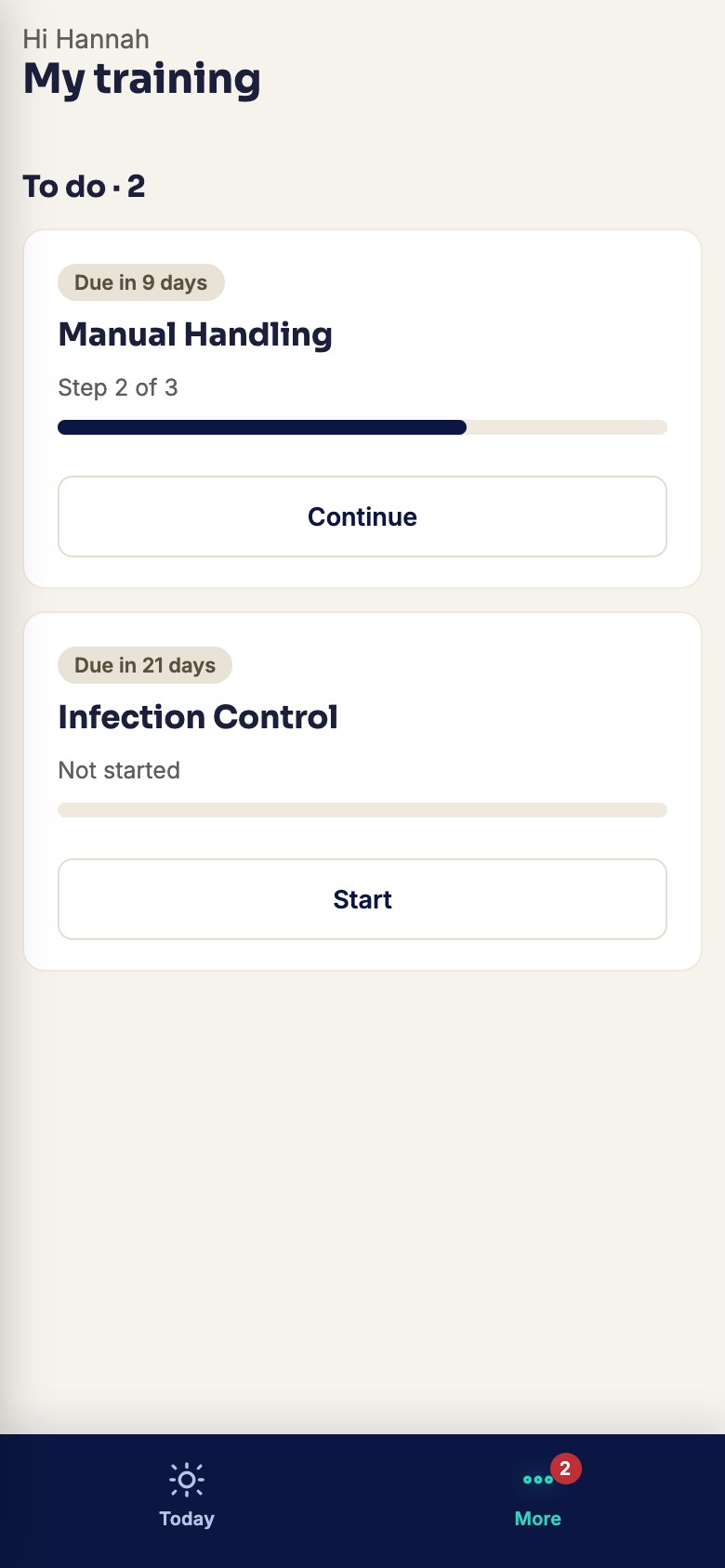
- Staff open My training and press Start. They work through the lessons, then the quiz, and see straight away if they passed.
- Finished courses show the certificate under Done.
Reports
- Reports show every assignment, who is on track and who is not, and Export CSV.