Kiosk
A tablet at the front door for visitors, and for staff and contractors to sign in.
Last updated 3 November 2026
Set it up
- In Settings, open the kiosk settings, tick the sites with a tablet under Kiosk sites and Save kiosk sites.
- Choose how it behaves — photos, staff and contractor sign-in, the privacy statement — and add Screening questions.
Connect a tablet
- Open the location, then its Kiosk tab, and choose Connect a tablet. A six-digit code appears.
- On the tablet go to torvi.com.au/kiosk and enter the Six-digit code. It stays connected until you Disconnect it.
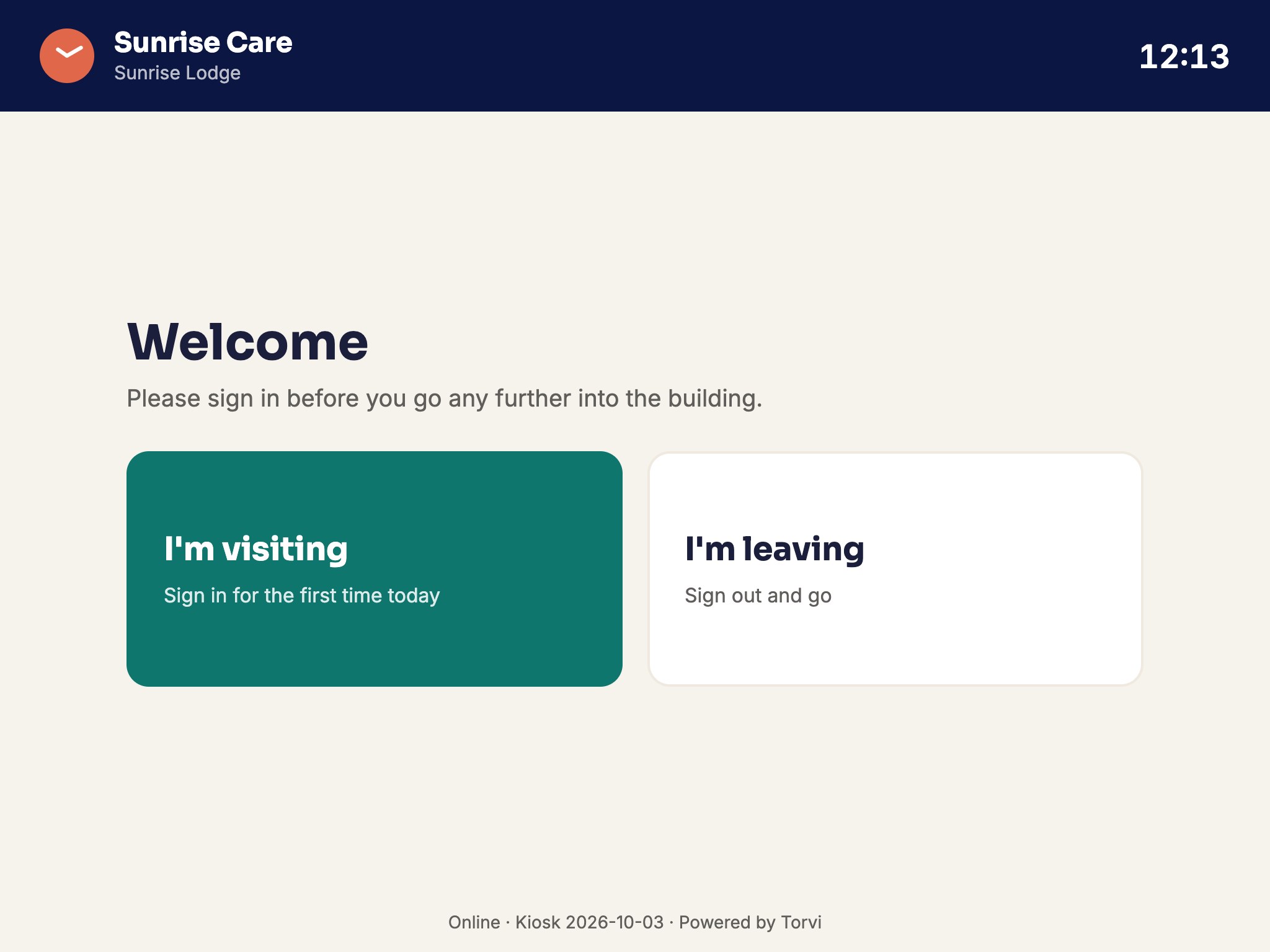
On the tablet
- Visitors choose I'm visiting, answer the screening questions and sign in; they sign out with I'm leaving.
- Staff choose I work here and enter their PIN, or the code shown by Show my kiosk code in the app.
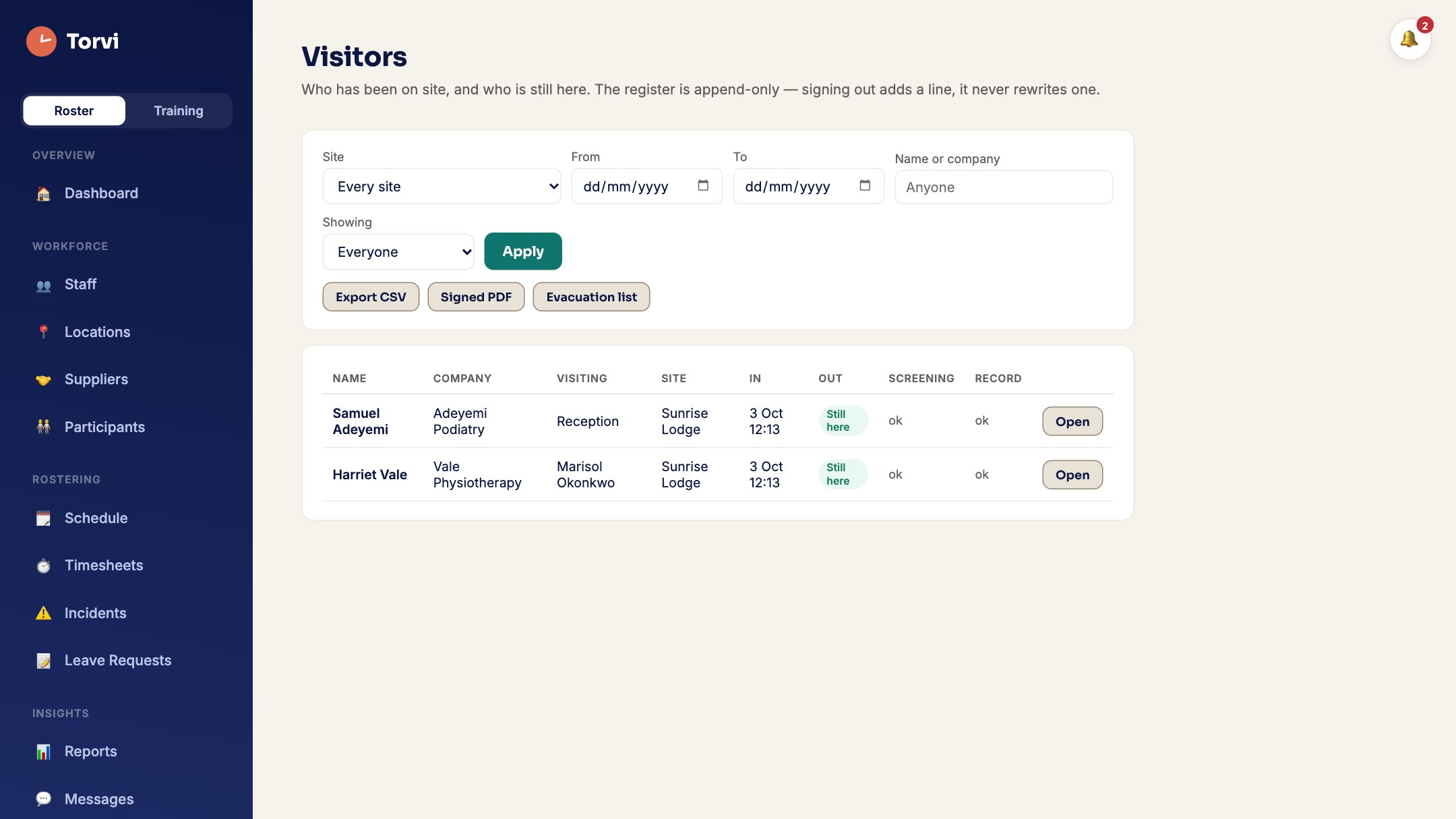
The visitor register
- Open Visitors for the register, with Export CSV and the Evacuation list of who is on site now.