
Finance
Invoices, payments, bills, GST, pay runs and the dashboards.
Last updated 3 November 2026
Create invoices
- In Finance, open Invoice runs. Choose the period and track, then Preview and Create drafts.
- Invoices are made from approved timesheets only, and never bill the same hours twice.
- Check a draft, then Issue it (it takes the next number) and Send it by email.
Record a payment
- On an issued or sent invoice, choose Mark paid. Enter the Date paid and Amount (the total unless you change it) and an optional Note, then Record payment.
- A paid invoice leaves what customers still owe. You can Send again to send a copy — it stays paid.
- An administrator can Undo payment, with a reason that is kept in the invoice’s history.
Bills from suppliers
- Agency bills appear under Bills when their billing period closes. Enter the supplier’s invoice against it, and Mark paid when you pay.
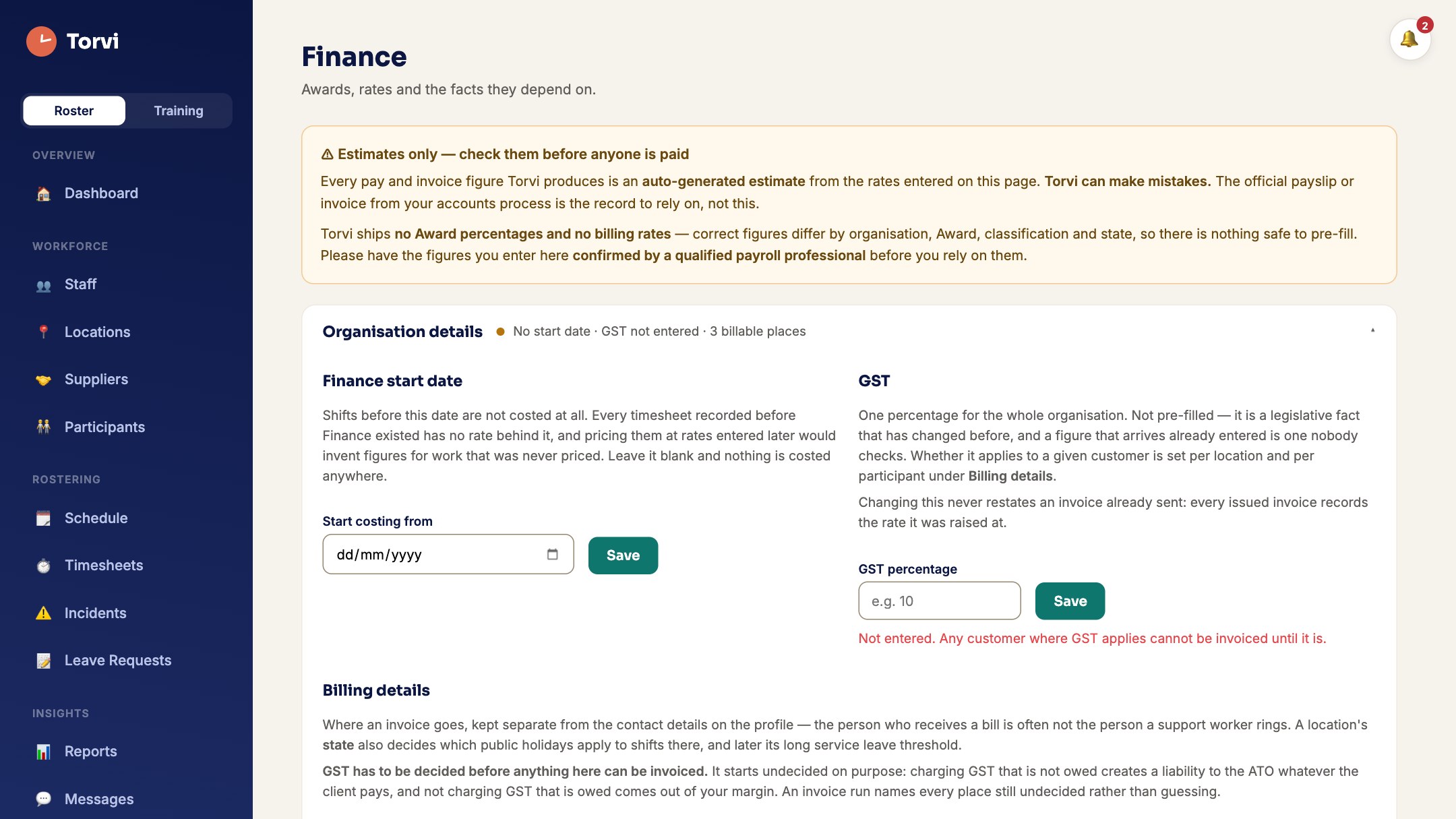
GST
- Under GST, choose the period and the Basis: Accrual — by invoice and bill date or Cash — by payment date.
- On a cash basis, sales are invoices marked paid in the period. The report says which basis it shows, above the figures.
- Use Export CSV or Download PDF for your BAS preparer.
Pay runs
- Under Pay runs, Show earnings gives gross earnings statements from approved timesheets. They are not payslips — Torvi does not calculate tax or net pay.
Dashboards, periods and comparisons
- The Financial Dashboard and the roster dashboard count in financial years (1 July to 30 June).
- Choose the Period — week (Monday to Sunday), month, quarter, financial year or FY to date — and Compare to the Previous period or the Same period last year. Your choice is remembered.