Compliance
Registers, documents and expiry, audits, checks, policies and the audit pack.
Last updated 3 November 2026
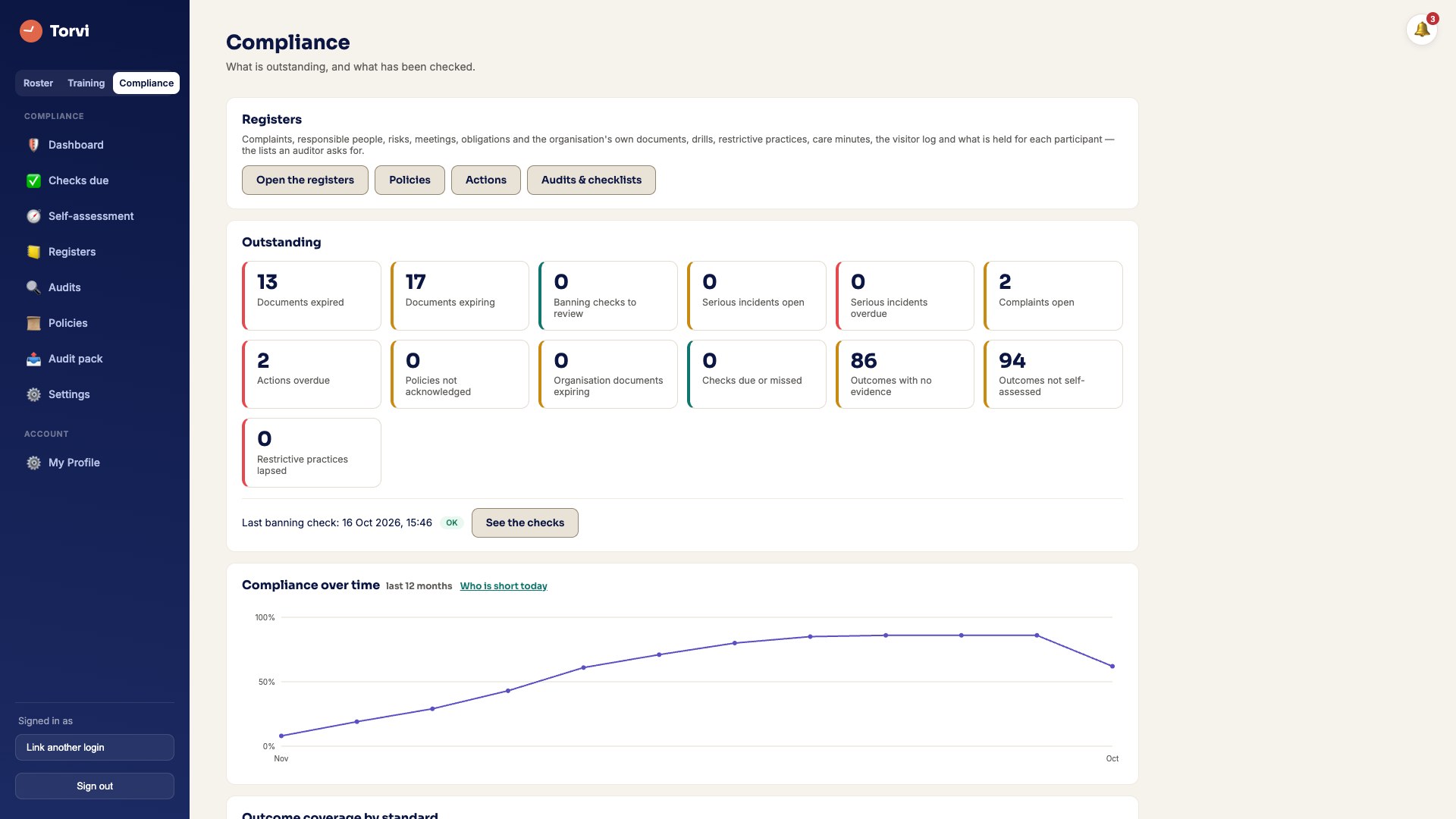
The dashboard
- The compliance dashboard shows what is outstanding: expired and expiring documents, actions, audits and policies. Every number opens what it counted.
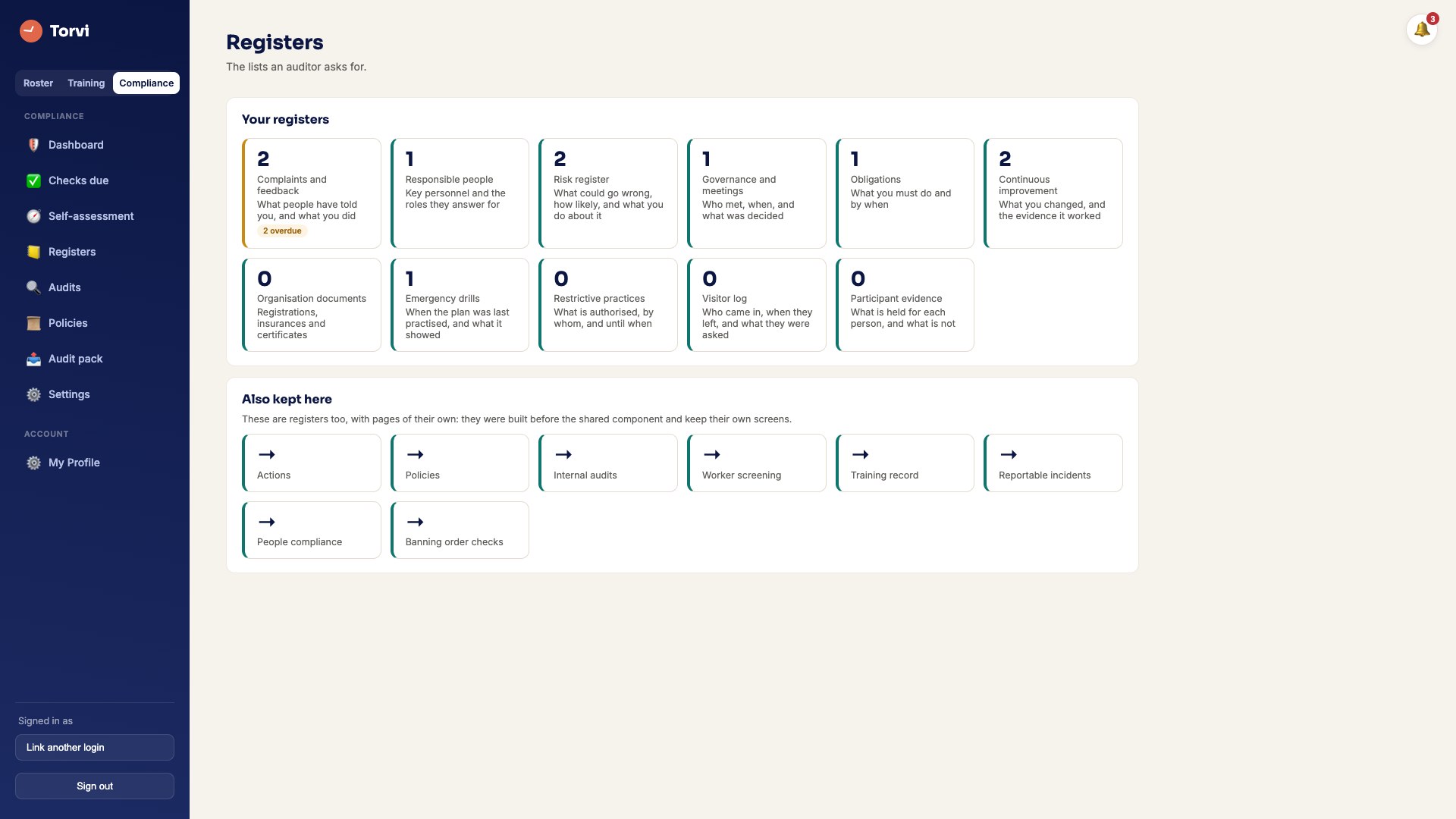
Registers
- Open Registers. Add a record with the form and Add. Records are never deleted — archived records stay in the history.
Audits and checks
- Start an audit, record a result for each standard, and Complete it.
- Daily, weekly or monthly checks appear under checks due. Whoever does one puts their name on it and presses Done. A reading outside its limits raises an action.
Self-assessment
- Rate each outcome for Aged care or NDIS. A Not met needs a sentence about what is missing, and raises an improvement item.
The audit pack
- From the audit pack page, Download PDF or Download CSV bundle for an assessor. Every download is recorded.